
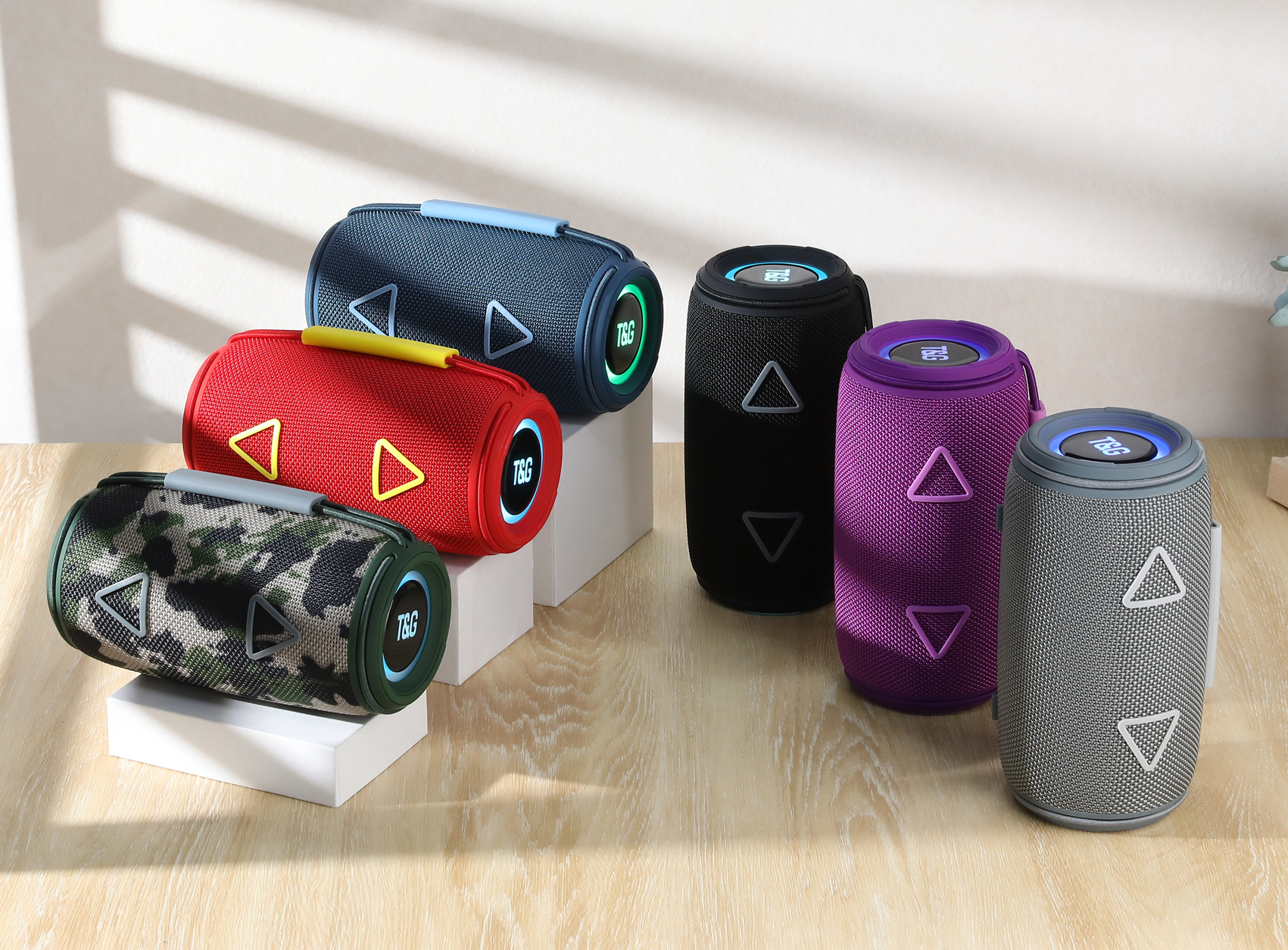
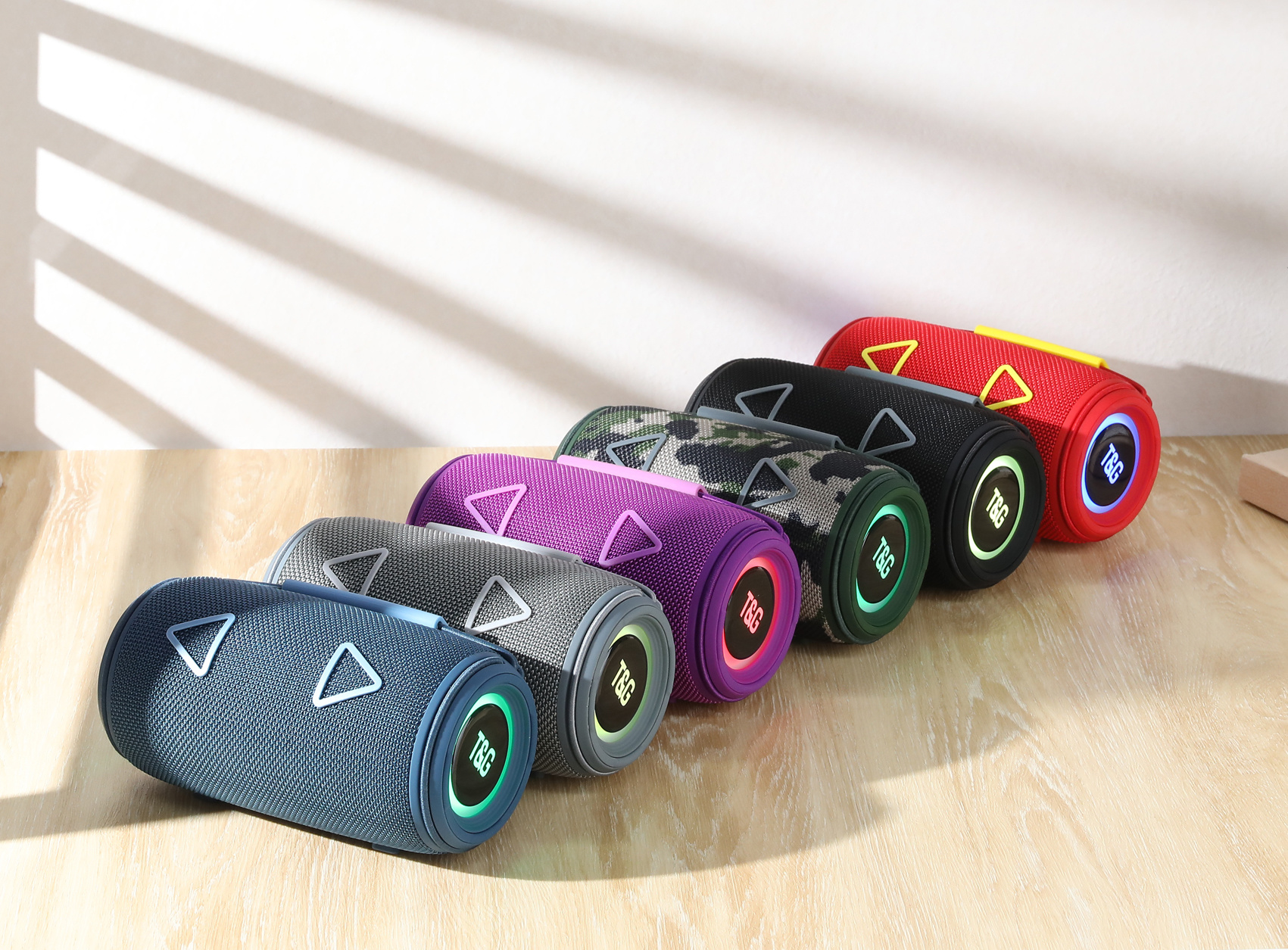
Papua New Guinea TG657
Category:
Papua New GuineaBluetooth speaker
Papua New GuineaLatest Products
Product Description
TG657 Bluetooth speaker manual
1. product parameters
Bluetooth version: V5.3
Wireless transmission range: 10M
Audio-to-noise ratio: ≥ 85db
Battery capacity: 1500mAh
Battery voltage: 3.7V
Normal volume playback: 2H
Horn specifications: ¢ 52mm * 2
Horn power: 4Ω/8W * 2
Frequency response: 120HZ-18KHZ
Size: 183mm * 95mm * 95mm
Single weight: 594g
Charging voltage: 5V/500mA
2. features
1. Adopt advanced Bluetooth audio decoding chip to support all Bluetooth device connections
2. The timbre is soft, clear and dynamic, with distinct levels;
3. It can be directly connected to the mobile phone/tablet computer/TV Bluetooth pairing to play music, and the Bluetooth receiving distance is up to 10 meters;
4. Support AUX audio input, provide you with computer speaker function;
5. Support U disk and TF card music playback Support MP3/WAV format full code rate playback;
6, FM automatic search and storage radio built-in FM radio module, can automatically search and storage radio, saving time and effort;
7. Support hands-free calling function, built-in high-sensitivity microphone, so that mobile phone calls have extremely carefree call enjoyment
8. Support box TWS function
3. function indication
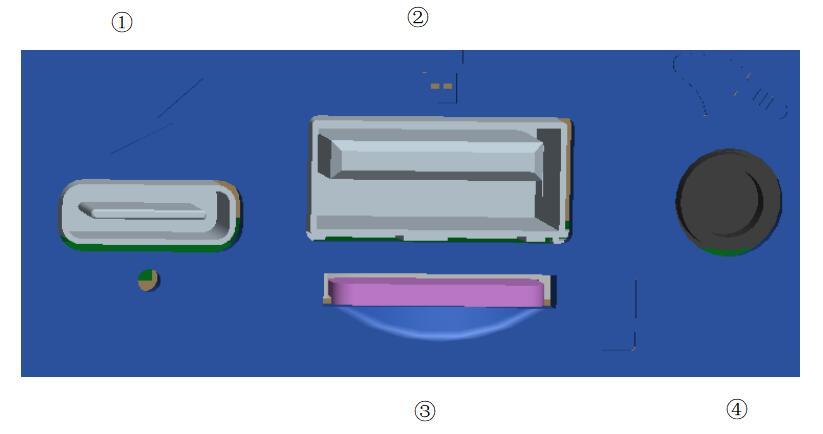
① DC 5V power interface (TYPE-C USB charging interface)
② U disk input interface: when the U disk can be inserted to decode MP3/WAV format audio playback;
③ TF card input interface: when the TF card is inserted can decode MP3/WAV format audio playback;
④ AUX input interface: 3.5 audio head external sound input;
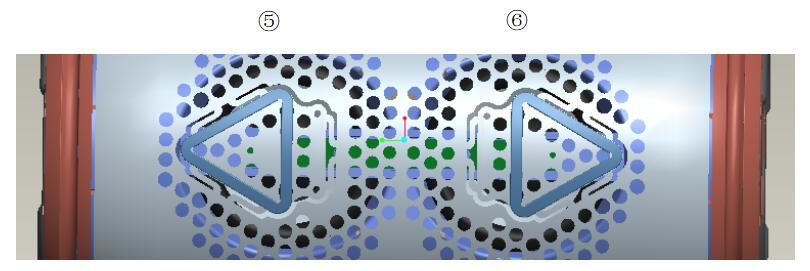
⑤ Volume up button: in the music mode, short press "next song/FM next station" and long press the volume up
⑥ volume down button: in the music mode, short press for "last song/FM last radio" long press volume down
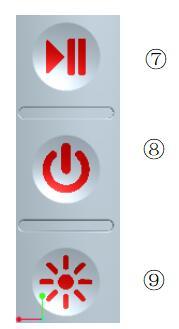
⑦ Pause button: in the music mode (U disk, TF card, LINE IN, Bluetooth), short press is "play, pause". in the case of Bluetooth mode and paired mobile phones, short press is used to answer/hang up the call hands-free. In FM mode, short press is automatic radio search/pause radio search;When the two speakers are in Bluetooth mode and not connected at the same time, press the pause key of one of the speakers for a long time to hear the prompt tone and one of the indicator lights will be on for a long time to connect TWS successfully, and then connect the mobile phone.
⑧ Power button: press to turn on for a long time in the shutdown state and press to turn off for a long time in the startup state; Short press is for switching modes (U disk, TF card, FM, Bluetooth) LINE IN linear input is hard switching;
⑨ colored light button: in the music mode, long press to turn on/off the colored light; short press to switch the flashing mode of colored light;
Note: In the radio mode, please insert the audio cable to increase the radio signal strength, the radio effect will be better.
: next page
sweep